Installing CabMaster
Step-by-step instructions
Download and Run
1. Download the latest CabMaster install CD.
2. To run the downloaded EXE file, right click the Exe and select 'Run as administrator'

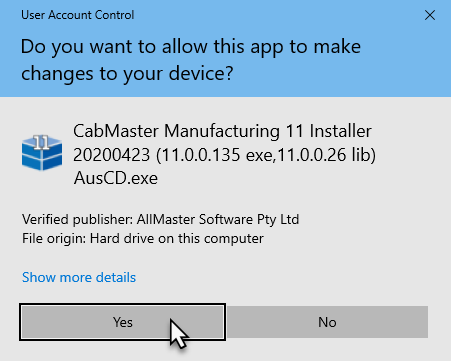
3. Select 'Yes' on the User Account Control popup if prompted
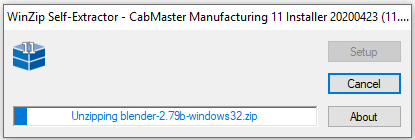
4. Wait for the extraction to complete
Cloud or Hardware Lock?
5.
Cloud Setup
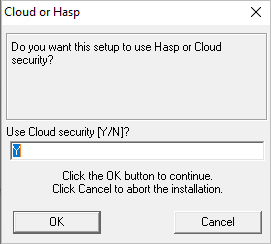
If your license looks like the below or you are using a cloud licence ...

type "Y" into the popup and press OK:
Hardware Lock (Dongle) Setup
If you are using a hardware lock (dongle)...
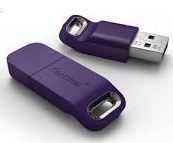
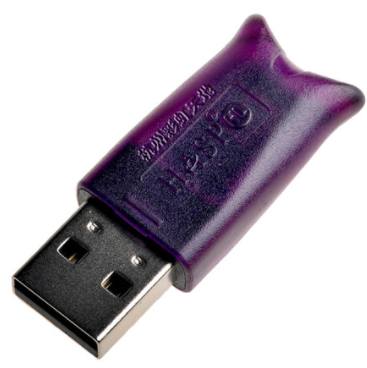
type "N" in the box and press OK

Setup Program
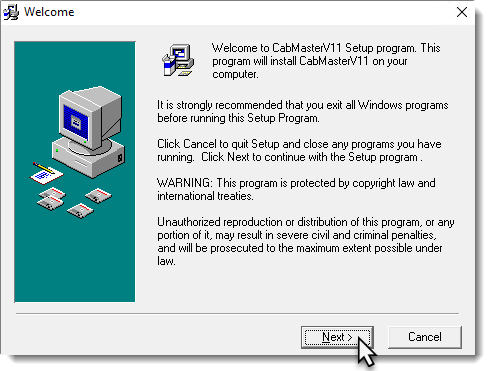
6. If you have exited all Window programs, as directed here, select 'Next'
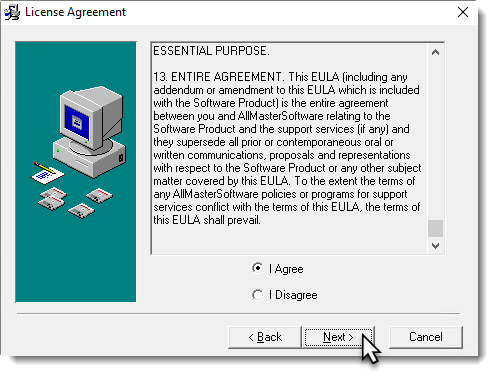
7. Read the EULA and if you agree select I agree and select 'Next'
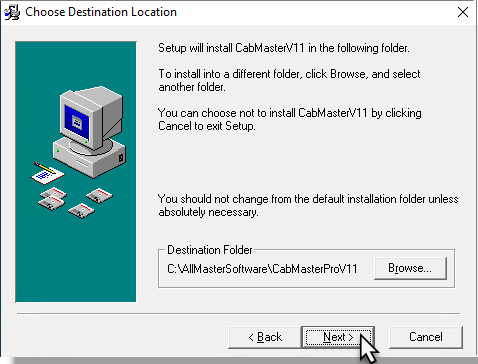
8. If you want to change the directory you are installing CabMaster into, select 'Browse'.
Otherwise select 'Next'.
9. Select 'Next' to go to the next step.
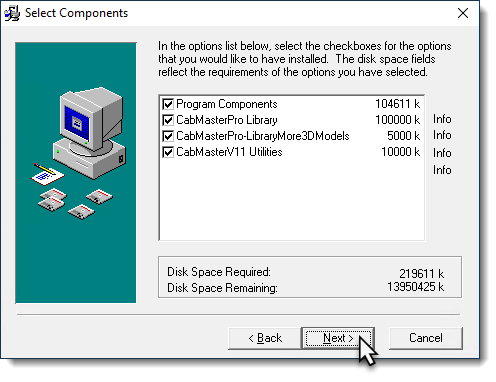
If you need to customise the what is installed you can uncheck boxes next to features to change if they install. It is not recommended you change these settings without Contacting support
Install
10. Select 'Next' to begin the install.
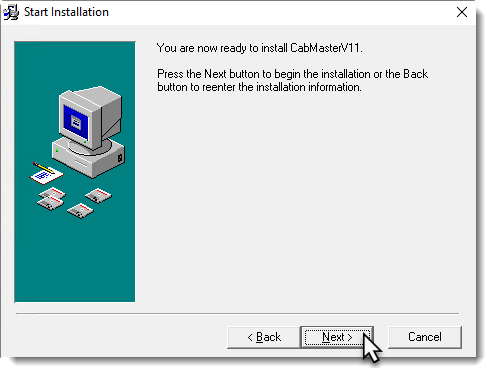
11. Wait for the install to complete.
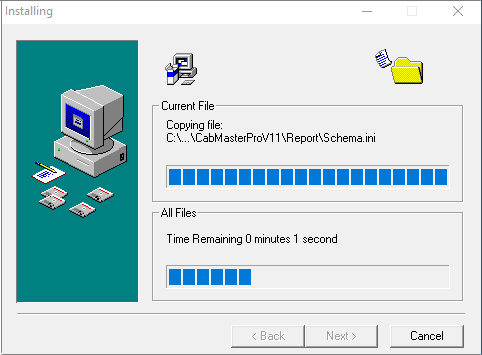
12. If you are running a hardware lock (dongle) you will get the following popup.
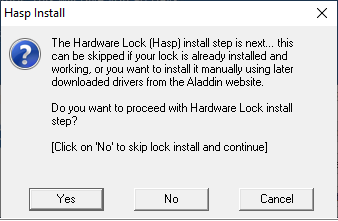
Select 'Yes' to install the drivers for the hardware lock.
If you are using the V10.1 install CD, you must press NO and install the hardware lock drivers manually.
13. Wait for the following pop-ups to complete.
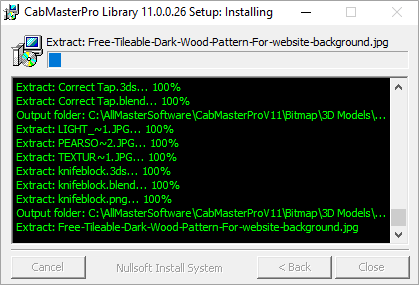
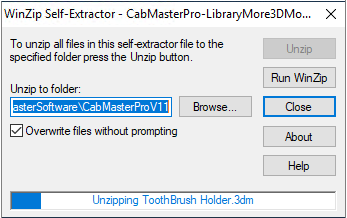
Finish
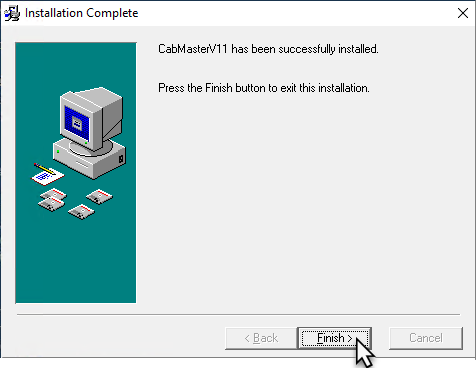
14. CabMaster Software is now installed, you can run CabMaster from the shortcut on the desktop.
Video
Reinstall CabMaster
This video discusses how to reinstall CabMaster on a new computer. (10:02 mins)
Related Articles
How to Setup CabMaster for Beginners
CabMaster is a great design tool for creating custom cabinets and furniture layouts. If you're new to it, this guide will help you quickly set up the software and start designing with ease. The following video provides a great overview of how to set ...What's New - CabMaster V12 Build 40 Release Update
CABMASTER UPDATE V12 CabMaster V12 Features Application 12.0.0.40 Library 12.000.2.1 There are some exciting new features in the new version 12 release. Some of these changes include: 64-bit application New CM-Design-2 models library Walkthroughs ...Not able to open PDF Reports directly from CabMaster
Introduction Adobe has an Enhanced Security feature that will block PDF documents from launching if launched from a program running as Administrator (i.e.: CabMaster). To fix it, follow the steps below. NOTE: If you have attempted to run Adobe ...CabMaster cannot find a library and cannot see F Drive or other mapped drives
Introduction If you encounter an error where CabMaster cannot locate a library or you’re unable to see mapped drives (like F: or others), you can follow the steps below to resolve the issue. In a standard setup of a Microsoft computer Elevated ...CabMaster Contact and Support
CONTACT US TODAY How can we help you? Support: Phone: (03) 9040 2000 (AU) Phone: (04) 887 0219 (NZ) Email; support@cabmastersoftware.com Sales: NSW: Jamie Silver – ALR Software Phone: 0477 201 301 QLD: Shannan Pearce – CabWize Phone: 0402 635 168 ...